
Environment setup
After creating an environment, select it in the environment switcher before configuring applications, credentials, studios, permissions, or resources.
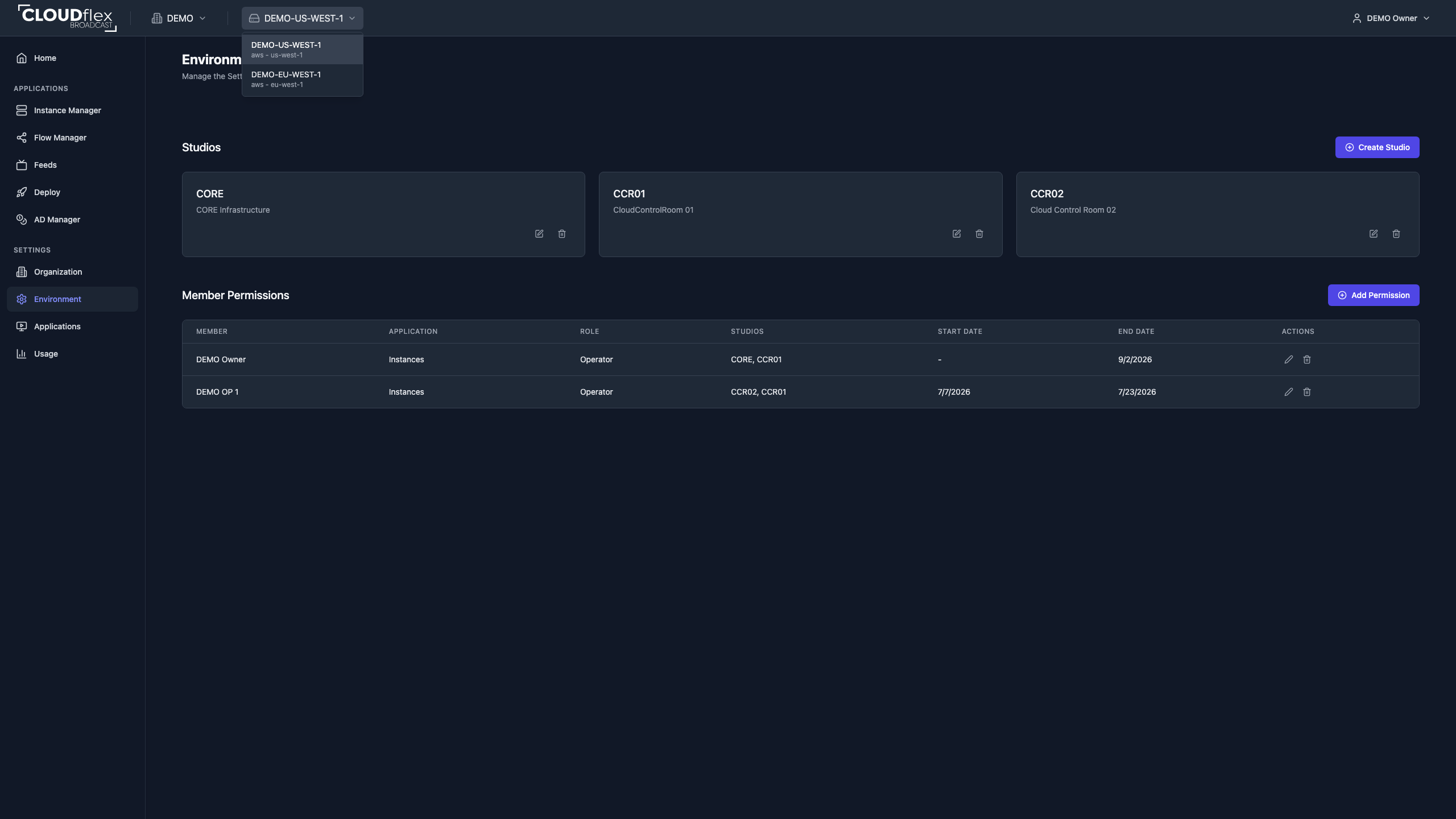
For a new environment:
- Add the required cloud or service credentials under Applications.
- Enable Instance Manager, Feed Manager, Flow Manager, or Deploy Manager as required.
- Open each application’s settings and enter only values established for that environment.
- Create studios under Environment Settings.
- Assign application access and studios to members.
- If a deployment needs local NDI or DCV configuration, review CLOUDflex Agent.
- Test the environment with a non-critical resource before show day.
Managed and self-hosted environments can expose different resources and responsibilities. In a self-hosted environment, your organization remains responsible for its cloud account, permissions, quotas, networking, and provider charges.