
What is CLOUDflex?
CLOUDflex Studio gives production teams one place to operate cloud and software-based production resources. It does not replace the production tools your crew already knows. It provides the controls around them: access, compute, signal flows, monitoring feeds, deployments, and usage.
Your Tools. Your Workflow. Your Cloud.
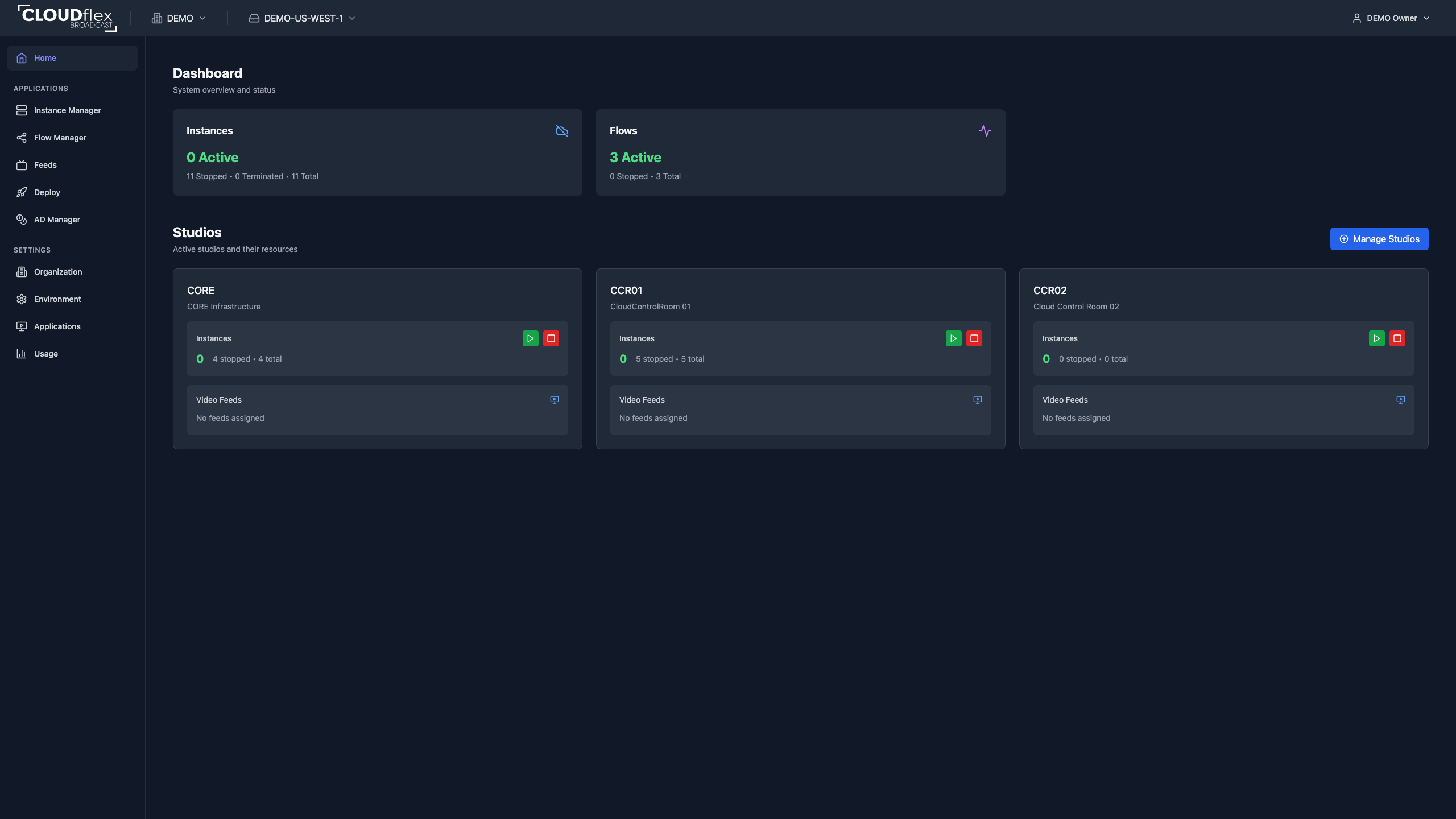
How Studio Is Organized
Section titled “How Studio Is Organized”- Organizations contain members and environments.
- Environments separate cloud providers, regions, credentials, applications, and resources. Use the environment switcher before making changes.
- Studios group instances and feeds for a production, client, or control room. Administrators can use studios to limit application access.
- Applications provide the operating tools enabled in the active environment.
Applications
Section titled “Applications”- Instance Manager starts, stops, connects to, and maintains virtual production machines.
- Flow Manager configures signal inputs and outputs through a flow engine.
- Feed Manager opens and shares browser-viewable monitoring feeds.
- Deploy Manager launches approved deployment templates when enabled.
- Usage reports environment compute time and estimated cost to administrators.
What you see depends on the active environment, enabled applications, and permissions assigned by an administrator.
Before a Show
Section titled “Before a Show”- Confirm the correct organization and environment in the navigation.
- Open the Dashboard and check instance, flow, and studio status.
- Start only the resources required for the production.
- Confirm remote access, signal paths, and monitoring feeds.
- Stop unused resources after the production and verify their state.