
Instance Manager settings
Open Applications, then select the settings control on Instance Manager.
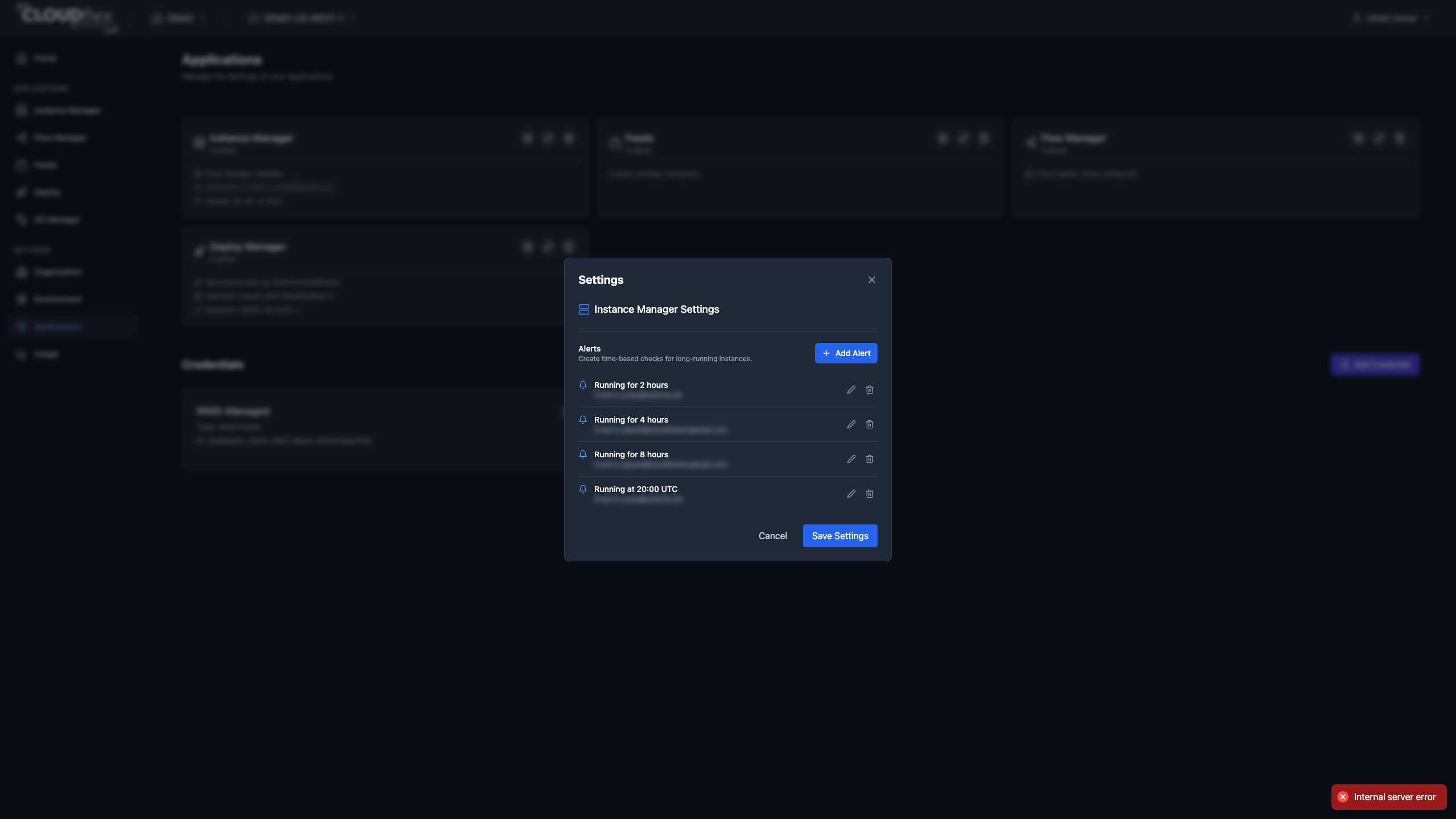
Configure Time-Based Alerts New
Section titled “Configure Time-Based Alerts ”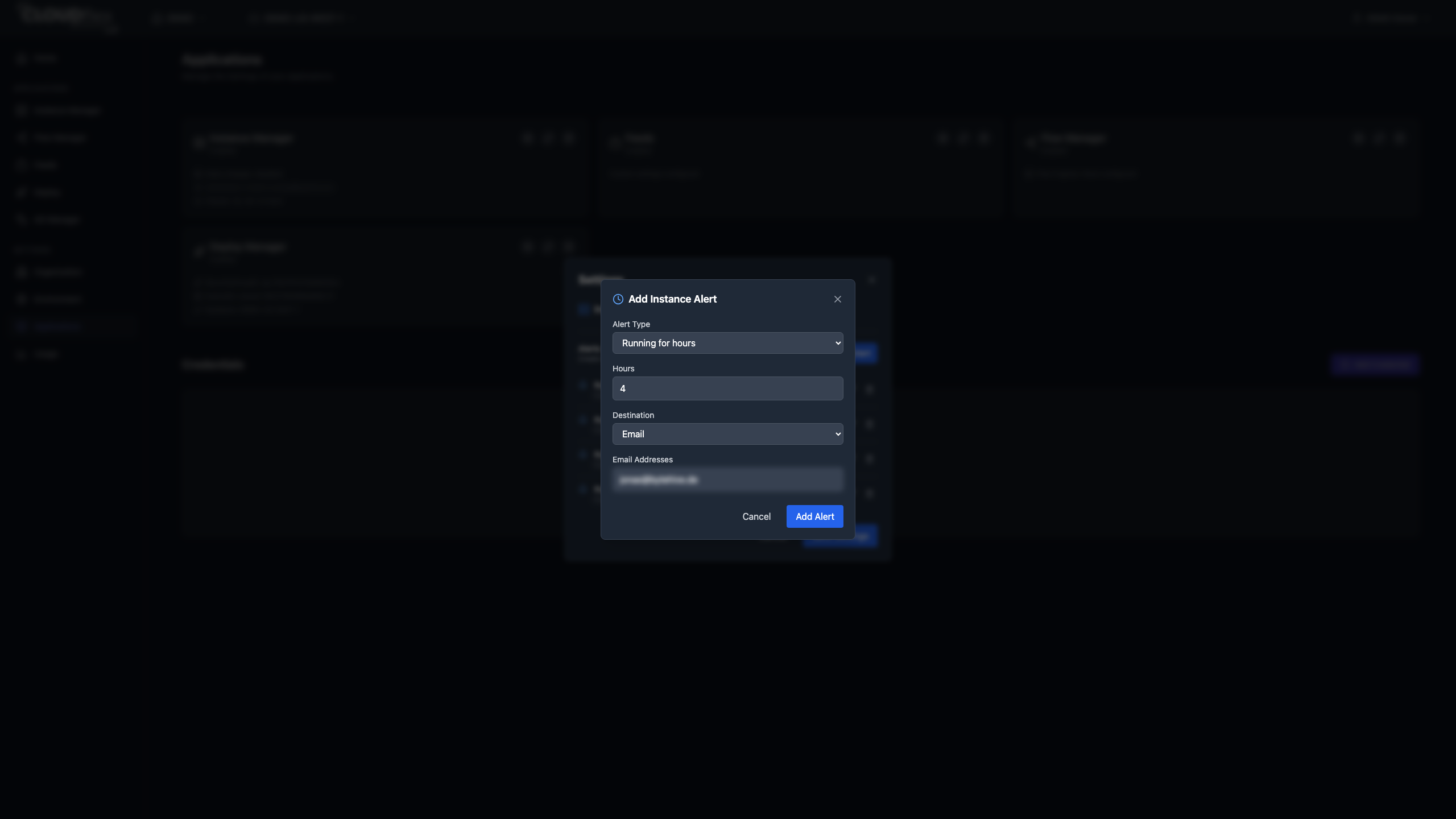
Instance alerts check for machines that remain running longer than intended.
- Under Alerts, select Add Alert.
- Choose Running for hours or Running at time.
- Enter the duration or local time shown by the form.
- Choose Email or Discord Webhook.
- Enter one or more comma-separated email addresses, or a valid
httporhttpswebhook URL. - Save the alert, then save the application settings.
Times are stored and displayed in UTC after conversion from the administrator’s local time. Review the displayed UTC value, especially around daylight-saving changes.
Alerts are warnings, not automatic shutdowns. The recipient must decide whether an instance is safe to stop.